
Are you enrolled in Hills Bank Online? If so, you have access to a variety of alerts and notifications to help you protect your finances and stay up-to-date on account information.
When an alert is triggered, we’ll send a message to the email address or phone number on your account. Here are a few situations that can result in an alert:
• Negative balance
• Check/direct deposit posted
• Loan payment past due
• Transfer from one account to another
• Failed login attempt
To change your alert settings, log into Hills Bank Online on your computer or mobile device and select Features followed by Alerts. Next to Alerts, you can also set up Notifications for additional ways to stay informed on your account.
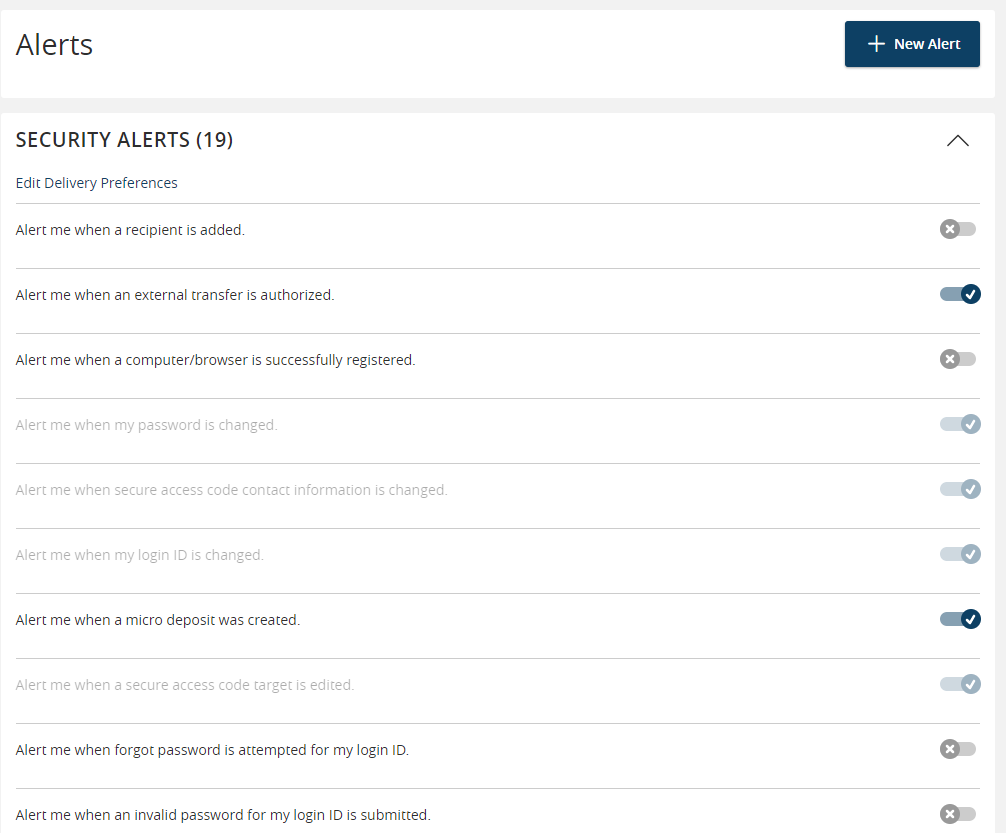
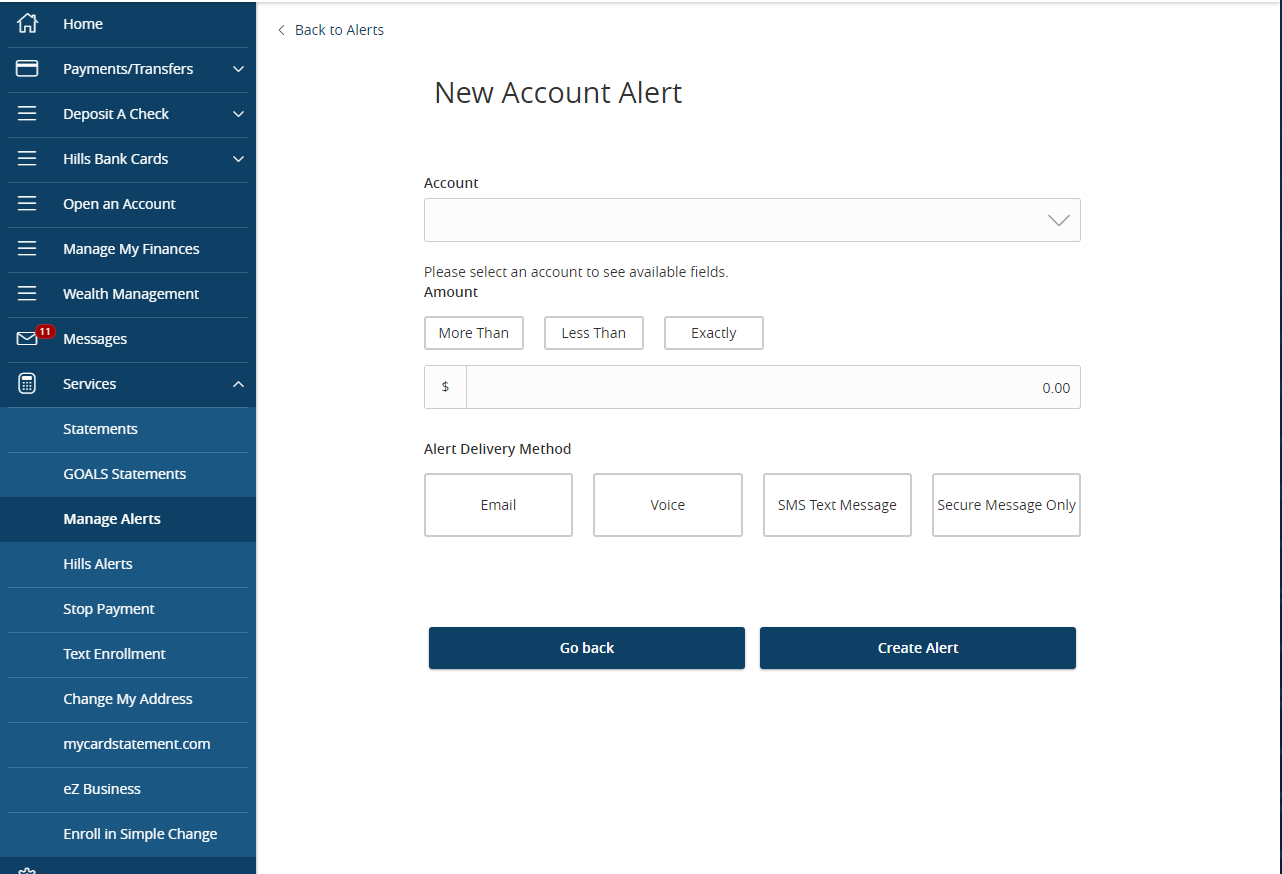
You can even set up custom alerts to trigger when your account reaches a specific dollar amount. Select the +New Alert button from the Alerts page to get started.
You can enroll in Hills Bank Online here.